
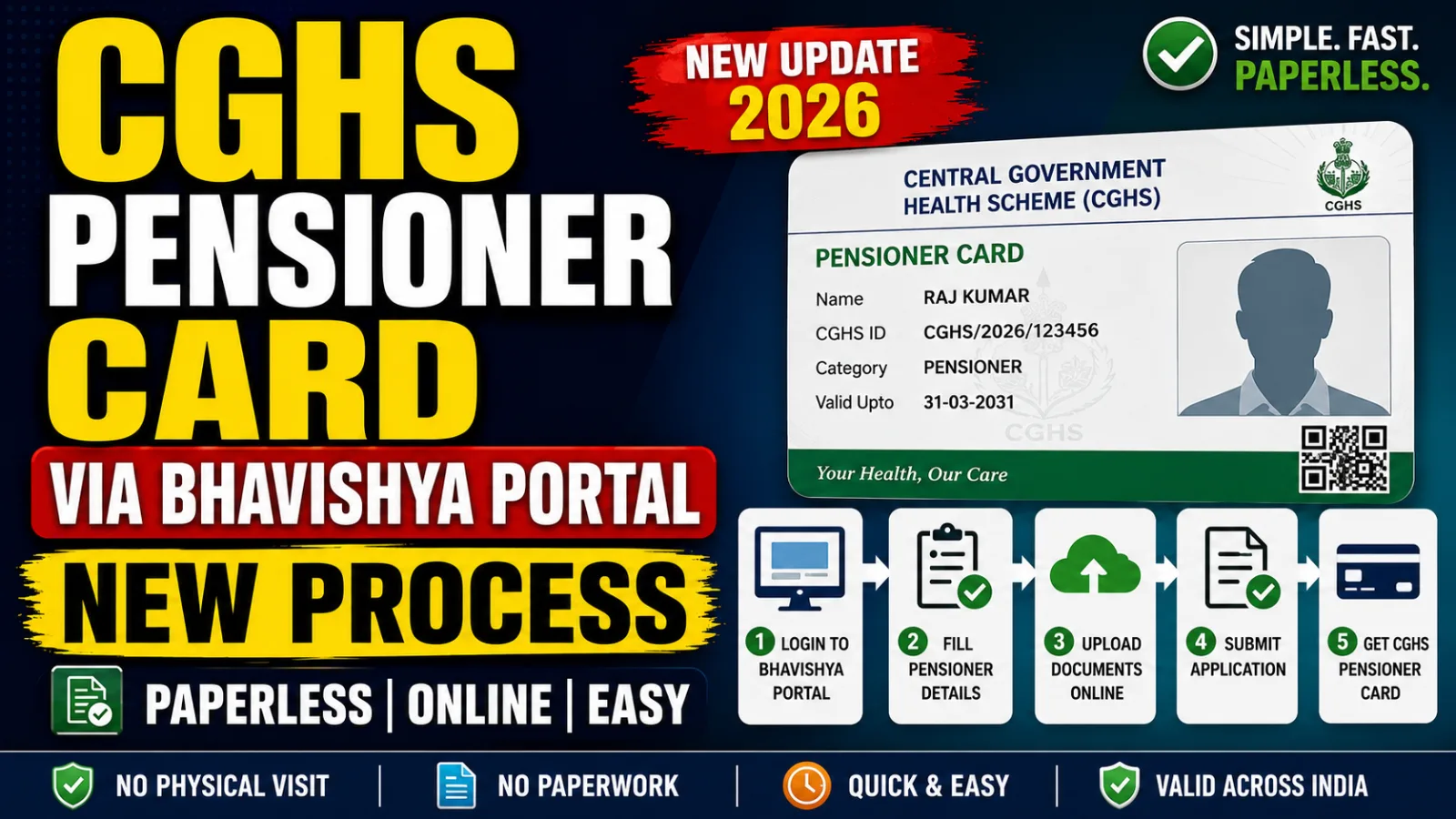
Getting your CGHS pensioner card via Bhavishya Portal just got a lot simpler if you're retiring soon. The Ministry of Health & Family Welfare has integrated the CGHS Online System with the Bhavishya Portal, so your pension details now auto-fill your CGHS Pensioner Card application instead of you typing everything twice.
This comes from an Office Memorandum dated 17 July 2026 (F. No. S.11012/1/2024-EHS), issued jointly with the Department of Pension & Pensioners' Welfare (DoPPW). If you're a few months from retirement, here's exactly what changes for you.
What's Actually New Here
Until now, applying for a CGHS Pensioner Card and processing your pension on Bhavishya were two separate journeys — you'd fill in largely the same personal and service details on both portals. This integration connects the two systems so your approved pension data on Bhavishya flows straight into your CGHS application.
It's not replacing anything. It's simply a second, faster route to the same card.
How the Integrated Process Works
Based on the OM, here's the workflow once your Head of Office (HoO) has verified your pension forms:
- Auto-fetch of pension data — your approved pension-related details on Bhavishya are pulled automatically to pre-fill your CGHS Pensioner Card application, so you're not re-entering service history, personal details, or address information you've already submitted on Bhavishya.
- PAN as the common identifier — your PAN is used to validate and exchange data in real time between the two systems, which is also what prevents mismatched or duplicate entries.
- PPO generation triggers the card — once your Pension Payment Order (PPO) is generated and you've paid the CGHS contribution online through the BharatKosh gateway, your CGHS Pensioner Card is generated.
- Download from either portal — the approved card can be downloaded from both the CGHS Portal and the Bhavishya Portal, so you don't need to remember which one you used to apply.
Old Process vs New Process
| Existing CGHS Portal Route | New Bhavishya-Integrated Route | |
|---|---|---|
| Where you apply | CGHS Online Portal only | Either CGHS Portal or Bhavishya Portal |
| Data entry | Manual entry of pension/service details | Auto-filled from your approved Bhavishya record |
| Identity check | Standard CGHS verification | Real-time PAN-based validation |
| Card download | CGHS Portal | Both CGHS Portal and Bhavishya Portal |
| Contribution payment | Through CGHS payment gateway | Through integrated BharatKosh gateway |
Both routes lead to the same CGHS Pensioner Card — this is about convenience, not a mandatory switch.
Do You Have to Use the New Route?
No. The OM is explicit on this: the existing CGHS Portal application process continues exactly as before. You can pick whichever mode suits you — the standalone CGHS Portal, or the integrated Bhavishya route — there's no compulsion either way.
If you're already deep into your Bhavishya pension processing as you approach retirement, the integrated route likely saves you a round of redundant form-filling. If you're more comfortable with the CGHS Portal you already know, nothing forces you to change.
Why This Matters for Your Retirement Timeline
CGHS healthcare coverage is one of the things retiring employees worry about losing continuity on — a gap between your last day of service and your CGHS Pensioner Card being active can mean out-of-pocket medical expenses in the interim. The OM frames this integration as a way to cut procedural delays and manual intervention, with the goal of getting your CGHS benefits active closer to your actual retirement date rather than weeks or months later.
Practically, that means less back-and-forth between offices, and one less form where a typo in your service details could cause a rejection.
What You Should Do Before Retirement
- Make sure your pension forms are verified by your Head of Office — the auto-fetch and card generation depend on this step being complete
- Keep your PAN details accurate and matched across your service records — since PAN is now the identifier connecting the two systems, a mismatch here will hold up validation
- Check whether your Ministry/Department has circulated the detailed SOP and user manual — the OM says these will be published separately on the CGHS and Bhavishya websites
- If you'd rather use the familiar route, you can still apply directly on the CGHS Portal — this integration is additional, not a replacement
If CGHS coverage post-retirement is on your mind, it's worth reading through our CGHS complete guide and checking the CGHS empanelled hospitals near you ahead of time. And since this OM lands right in the middle of your retirement paperwork, our retirement benefits guide and service pension guide cover the rest of what typically needs sorting — including using the gratuity calculator and commuted pension calculator to plan your numbers ahead of time.
For more updates like this as they're issued, keep an eye on our government news section.