
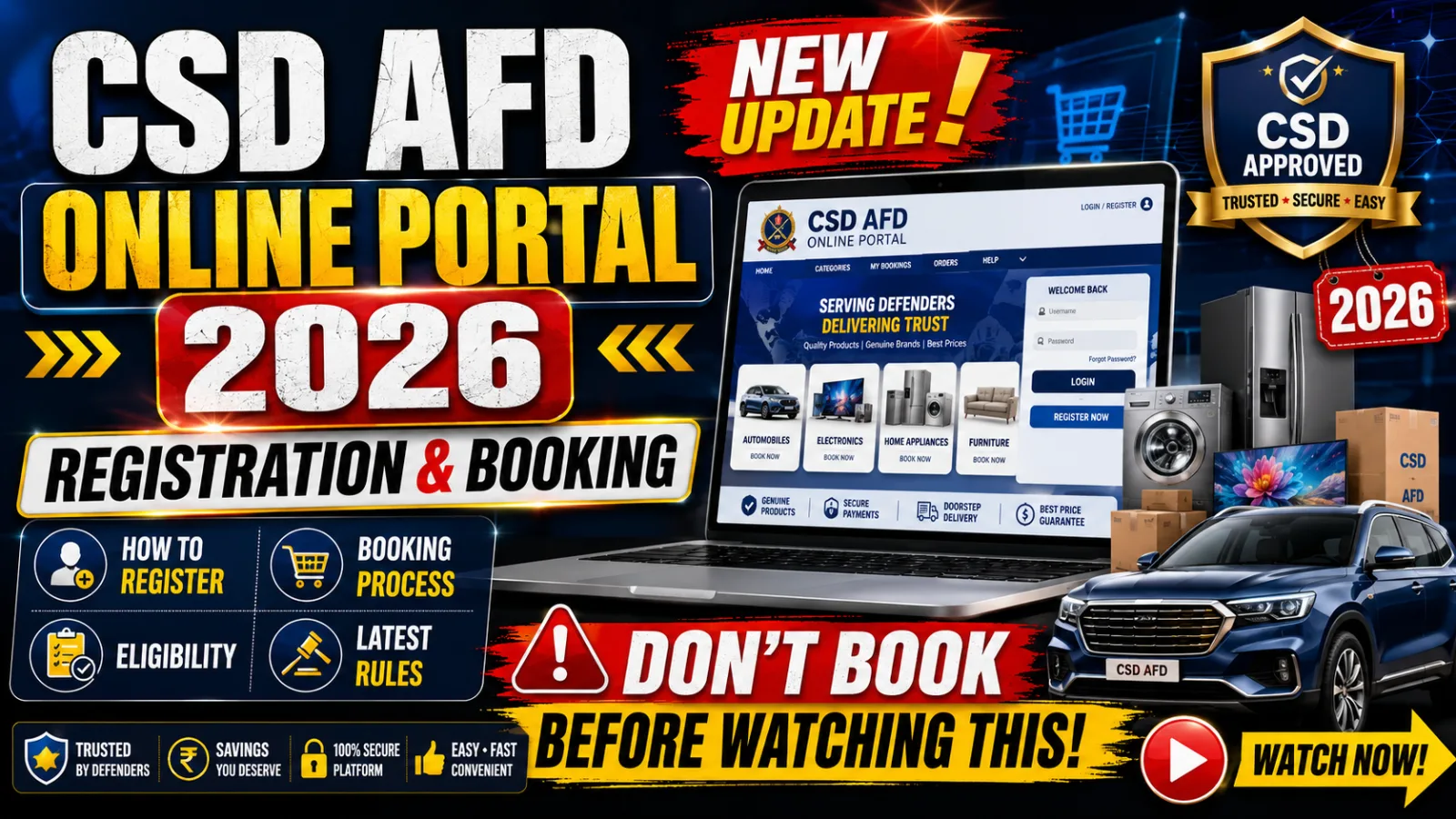
Every big CSD purchase now runs through one website. The CSD AFD Online Portal is where the defence community buys cars, bikes and white goods at concession prices — but first you have to register, get verified and understand the flow. Here is the simple 2026 guide to using afd.csdindia.gov.in end to end.
What the CSD AFD Online Portal is
The CSD AFD Online Portal — afd.csdindia.gov.in — is the Canteen Stores Department's platform for AFD (Against Firm Demand) items. These are the big-ticket goods bought to order:
- Four-wheeler cars
- Two-wheeler bikes and scooters
- White goods — air conditioners, refrigerators, washing machines, LED televisions, microwave ovens and other electronics
All of them carry the CSD concession, so they are cheaper than the open market.
How to register on the AFD portal
- Create an account on afd.csdindia.gov.in with your service details and contact information (new users only).
- Wait 2–4 days while CSD verifies your details — you'll get an approval SMS or email.
- Log in with your username and password to view products and prices.
How to book a car, bike or appliance
- Browse the available products and check the CSD price.
- For vehicles, get an availability certificate from an authorised CSD dealer near you.
- Find a dealer on the portal — a list of nearby dealers appears for your chosen item.
- Place the order, selecting your State, CSD depot and dealer.
- Pay after demand approval — the payment option activates once your demand is approved — then collect the item.
Documents you need
- CSD Smart Canteen Card
- PAN card
- Mobile number (for OTP)
- PPO / discharge certificate (for ex-servicemen)
- Dealer availability certificate (for cars and two-wheelers)
Common problems and how to fix them
- Verification stuck beyond 2–4 days: check that your service number, rank and dates exactly match your records — a mismatch is the most common reason accounts sit unverified. Contact your parent depot if it drags on.
- "No dealer found" for your model: the model may not be mapped to a dealer in your State yet. Try a nearby district, or ask the dealer to issue the availability certificate first.
- Payment option not showing: the payment link only activates after your demand is approved — it is not there the moment you place the order, so wait for the approval status.
- OTP not received: make sure the mobile number on the portal matches the one linked to your Smart Canteen Card; OTPs go only to the registered number.
- Wrong item or variant: changes after ordering are difficult, so confirm the exact model, colour and variant with the dealer before you submit.
Keeping your Smart Canteen Card, PAN and service details consistent across all three avoids almost every delay.
Related guides and tools
Ready to buy? See our detailed CSD car purchase guide and CSD bike / two-wheeler guide, plus the CSD Canteen Smart Card limits and the ECHS scheme guide. For more defence pay and benefits guides, visit the CG Seva homepage.
Check your pay and pension with our free tools:
- 🎖️ Defence Pay Calculator — military pay with MSP by rank.
- 🏅 Defence Pension Calculator — OROP and pension estimate.
- 🧾 Income Tax Calculator — tax on your salary and arrears.
Quick summary
- The AFD online portal (afd.csdindia.gov.in) sells cars, two-wheelers and white goods at concession prices.
- Register with service details → verified in 2–4 days → log in to browse and book.
- Vehicles need a dealer availability certificate; payment opens after demand approval.
- Documents: Smart Canteen Card, PAN, mobile for OTP, plus PPO/discharge for ex-servicemen.