
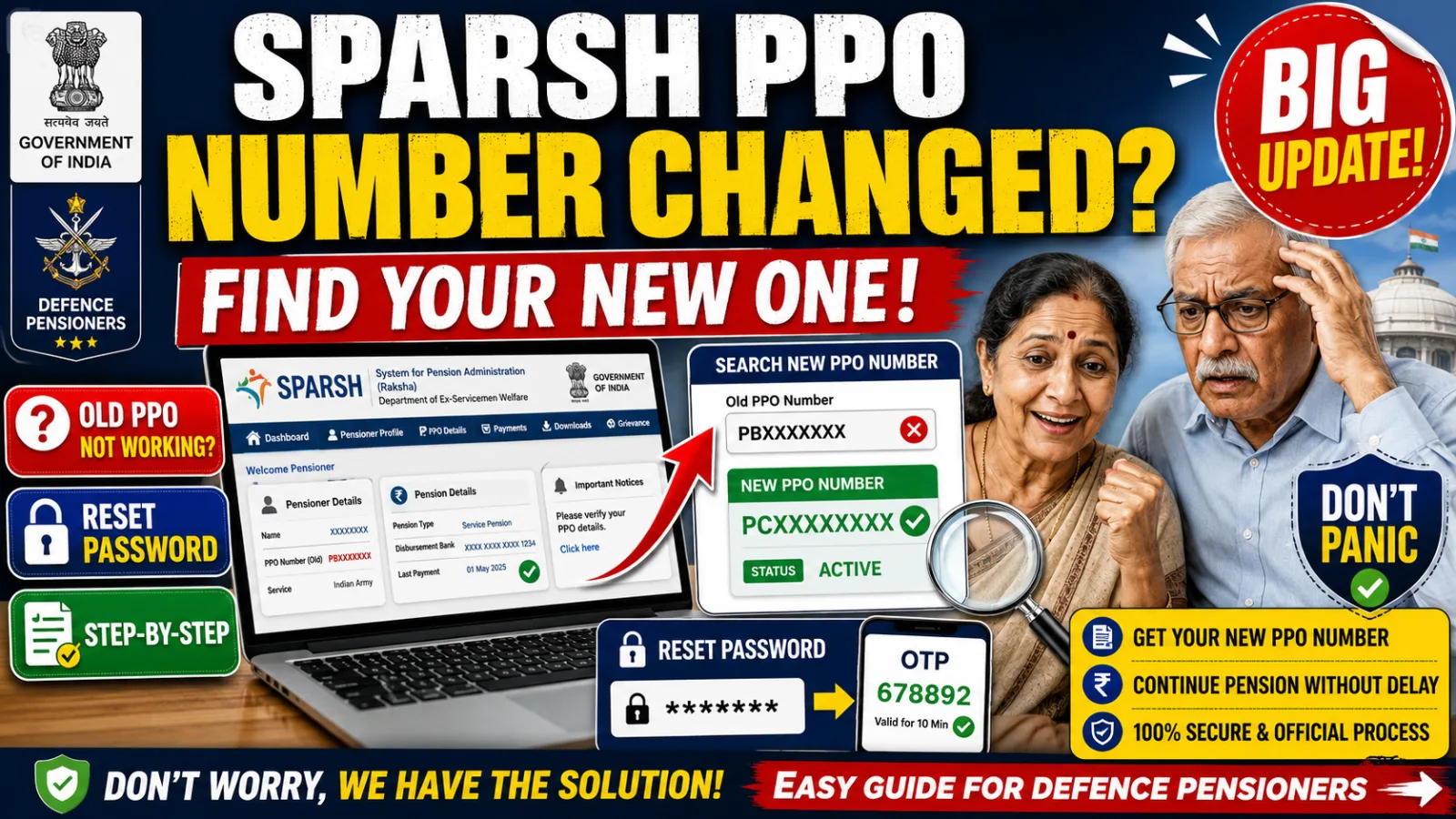
If your old PPO number suddenly stopped working on the SPARSH portal, you're not alone — thousands of defence pensioners and family pensioners have run into the same thing after their records migrated to SPARSH (System for Pension Administration – Raksha). The good news: your pension isn't lost, and finding your new PPO number takes about two minutes, no login required.
Why Your PPO Number Changed
When pension records moved from the legacy pension administration system to SPARSH, the platform generated a new SPARSH PPO Number for every pensioner and linked it to their account. Your original PPO number hasn't disappeared — it's preserved as part of your historical record — but the SPARSH PPO number is now the active identifier used for login and pension-related services going forward.
How to Find Your Updated SPARSH PPO Number
You don't need to log in or remember any credentials for this — just your Service Number and pension bank account details.
Step 1: Visit the SPARSH portal Search for SPARSH and open the official portal.
Step 2: Go to the Services section On the homepage, locate the Services menu.
Step 3: Select "Know Your SPARSH PPO and Identification Status" This is the specific option you need — it's built exactly for this situation.
Step 4: Enter your details You'll be asked for:
- Service Number (your Unique Identifier/Personal Number)
- Bank Account Number where your pension is credited
Step 5: Complete the captcha Enter the displayed captcha code to verify you're not a bot.
Step 6: Submit The portal will then display:
- Your name as the pensioner
- Your Original PPO Number
- Your Updated SPARSH PPO Number
- Your Identification Status
Both numbers are shown together specifically so you can identify the correct one to use going forward, without any confusion.
Forgot Your SPARSH Password? Here's the Reset Process
If you can't log in because you've forgotten your password, the process is straightforward:
- Open the SPARSH login page and click Login
- Click Forgot Password below the login box
- Enter your registered SPARSH username
- An OTP is sent to your registered mobile number
- Once verified, SPARSH issues a temporary password
- Log in with the temporary password and set a new one
- The system logs you out automatically after you create your new password — log back in with it
One important condition: password reset only works if your registered mobile number is still active and linked to your SPARSH account. If you've changed your number without updating it in SPARSH, this reset process won't work until that's fixed first — you'd need to approach your Pension Disbursing Authority to update your contact details.
Why Knowing Your Updated PPO Number Actually Matters
- It's what you need for smooth access to pension services going forward
- It prevents login errors that come from entering an outdated number
- You need it to download pension-related documents
- It's required to track your pension status online
- It's central to managing your pension records digitally
- It speeds up identity and pension information verification whenever you contact SPARSH support
What to Do Right Now
- If your old PPO number stopped working, don't assume something's gone wrong with your pension — check your updated number using the steps above first
- Save both your original and updated PPO numbers somewhere you can find them easily
- Keep your registered mobile number current with SPARSH, since it's required for password resets and likely for other verification steps too
- If the portal shows an Identification Status that looks incorrect or incomplete, that's worth following up on with SPARSH support directly rather than assuming it will resolve itself
For related SPARSH topics, our piece on SPARSH Portal circulars without login covers another way to access pension-related documents without repeated logins.
For more SPARSH and defence pension updates like this, follow our government news section.