
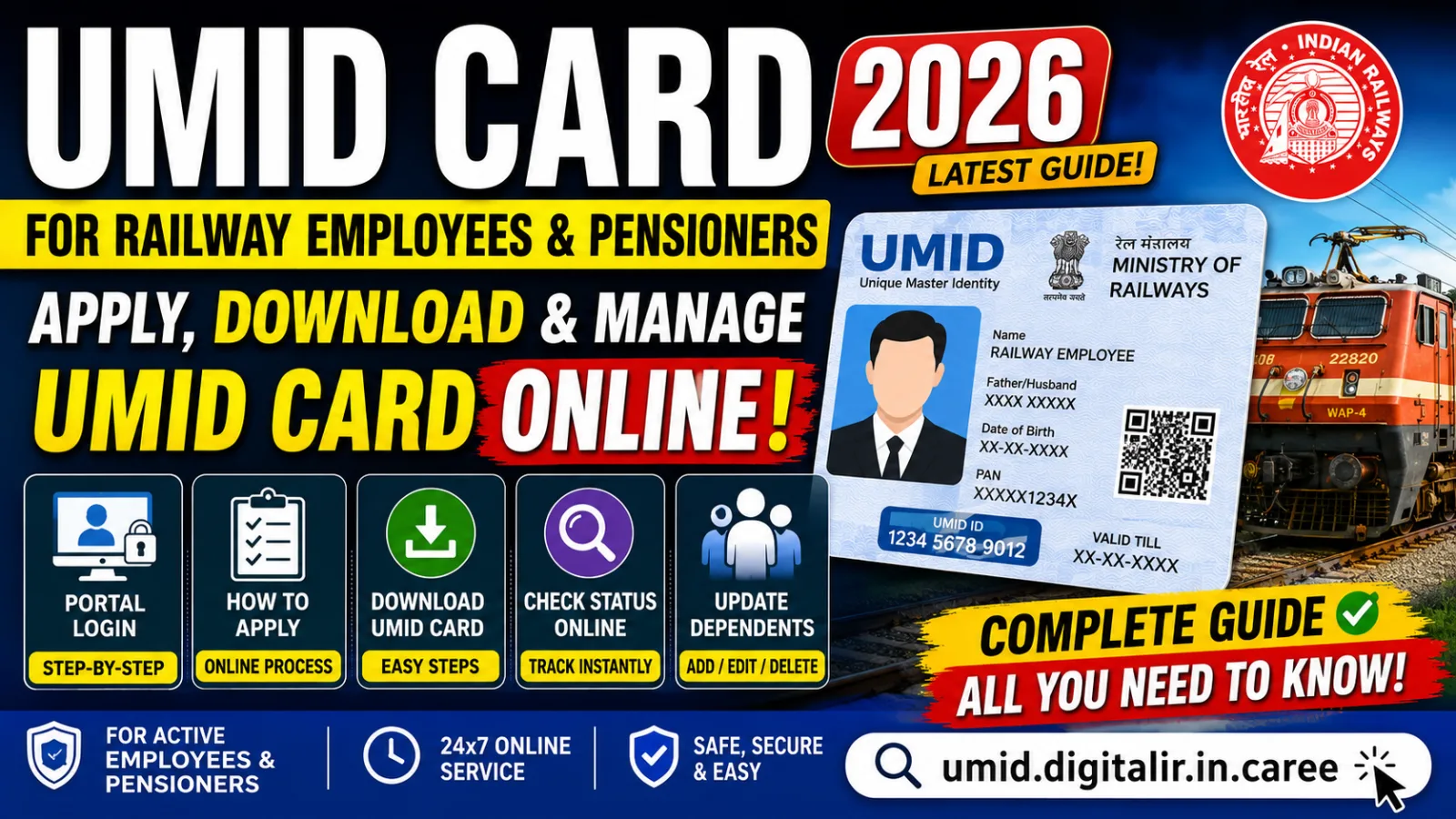
For lakhs of railway families, the UMID card has quietly become the single most important document for getting medical treatment. If you are a serving railway employee or an RELHS pensioner, your Railway UMID card is what a railway hospital or health unit scans before it treats you or your family. Yet many beneficiaries are still unsure how to apply for the UMID card, how the portal login works, how to download the card, or how to check the status online. This detailed guide walks through the entire process step by step, in plain language.
What is the UMID card?
UMID stands for Unique Medical Identity. The UMID card is a single, QR-coded digital medical identity card issued by Indian Railways under its Health Management Information System (HMIS), built by the Centre for Railway Information Systems (CRIS) for the Ministry of Railways.
Before UMID, each railway employee and family member carried a paper medical card that was easy to lose, hard to verify, and different across zones and divisions. The UMID card replaces all of that with one unique medical ID per person, linked to the employee or pensioner, and readable instantly through a QR code at any railway health facility across the country.
In short, the UMID card is to railway medical care what a CGHS card is to a central-civil employee — except it is entirely digital and railway-specific. Every eligible member of the family gets their own UMID number under the main employee or pensioner.
Who is eligible for a Railway UMID card?
The UMID scheme covers three groups:
- Serving railway employees — regular employees across all 17 zones, production units, RDSO and railway board offices.
- RELHS pensioners — retired railway employees enrolled in the Railway Employees Liberalised Health Scheme (RELHS), which is the health scheme for railway retirees.
- Eligible dependents — spouse, dependent children within the prescribed age/income limits, and dependent parents, as per railway medical rules.
Each dependent is added under the main beneficiary and receives an individual UMID number and card, so a family of four will typically have four linked UMID cards.
Why the UMID card matters
The UMID card is not just paperwork — it is your gateway to cashless and credit medical treatment in the railway system:
- At railway hospitals and health units, the QR code is scanned to instantly confirm your identity and entitlement.
- For referrals to recognised/empanelled private hospitals, the UMID record links your treatment and referral history.
- It removes duplication — one verified identity means fewer disputes at the counter and faster admission in an emergency.
- It is portable — because the record is central, a Chennai-based railway family can be treated at a railway hospital in another zone without carrying zone-specific paperwork.
This is exactly why getting your UMID card apply process right — and keeping it updated — matters so much.
How to apply for the UMID card (registration online)
You can complete the UMID card registration online through the official portal or the mobile app. The broad steps are the same:
- Open the UMID portal at umid.digitalir.in, or install the UMID mobile app from the Google Play Store (published by CRIS/Indian Railways).
- Start a new registration. Serving employees register using their employee details / HRMS ID / PF number; RELHS pensioners register using their PPO (Pension Payment Order) number and pensioner details.
- Verify your mobile number with the OTP sent to it — this becomes your login and contact number.
- Fill in your personal details and then add your family/dependent details, entering each member's name, date of birth, relationship and dependency status.
- Upload documents — a recent passport-size photograph of each member and any supporting proof the form asks for (see the checklist below).
- Submit the application. It now goes to your dealing office / concerned health unit for verification.
- Verification and approval — your dealing clerk and the health unit check the details against service/pension records and approve the application. Only after approval is your UMID number generated and the card made available.
Because the exact screens are updated from time to time, always follow the on-screen instructions on umid.digitalir.in and treat this as a guide to the overall flow.
Documents usually required
- Recent passport-size photograph of the employee/pensioner and each dependent.
- Employee details / HRMS ID / PF number (serving) or PPO number (pensioners).
- Aadhaar details, where asked, for e-KYC and identity matching.
- Proof of relationship and dependency for family members (as per railway medical rules).
- An active mobile number for OTP and alerts.
UMID card portal login & Railway Employee login
Once registered, your UMID card portal login uses the mobile number and password/OTP you set during registration. On the login page you will typically choose your beneficiary type:
- Railway Employee login — for serving employees, using the credentials linked to your employee/HRMS record.
- Pensioner login — for RELHS retirees, linked to your PPO-based registration.
After the UMID card registration online login, you land on your dashboard, where you can see your application status, your family members, and — once approved — the download option. If you forget your password, use the "forgot password" / OTP reset option on the login page with your registered mobile number.
UMID card status check online
A very common query is how to do a UMID card status check online. After you submit an application, it does not become a card immediately — it waits for verification. To track it:
- Log in to the UMID portal or app.
- Open the application / status section (or the "track status" option).
- You will see one of a few states: pending with dealing clerk, pending with health unit/verifying authority, approved, or sent back for correction.
If your status is stuck at "pending" for long, the practical fix is to follow up with your dealing clerk / establishment section (for serving staff) or the pension/health unit (for RELHS pensioners), because approval is a human verification step, not an automatic one. If it is "sent back," log in, read the remark, correct the detail, and resubmit.
UMID card download
Once your application shows approved, the UMID card download is straightforward:
- Log in to umid.digitalir.in or the UMID app.
- Open your profile / family list.
- Use the download option to save the UMID card as a PDF — separately for yourself and for each approved family member.
- Print it if you wish, or simply keep the digital card with its QR code on your phone; the hospital can scan either.
Keep a soft copy of every family member's card handy — in an emergency admission, having the QR code ready saves time at the counter.
UMID card update — adding dependents & changing details
Life changes, and so must your card. The UMID card update option lets you keep records correct:
- Add a dependent — for example, a newborn child or a newly dependent parent.
- Remove a dependent — for example, when a child crosses the eligibility age or a member is no longer dependent.
- Change your mobile number or address.
- Correct spelling or date-of-birth errors.
To update, log in, open your profile, choose the modify/update option, make the change, and submit. As with a new application, changes to dependents are subject to verification and approval by your dealing office before an updated card is issued. Keeping your UMID details current avoids nasty surprises at the hospital counter, where a mismatch can delay treatment.
Using your UMID card at hospitals
When you visit a railway hospital or health unit, present your UMID card (printed or digital). The staff scan the QR code, which pulls up your verified identity and entitlement instantly. For treatment that the railway facility cannot provide, the doctor issues a referral to a recognised/empanelled hospital, and your UMID record links that referral so the private hospital can offer treatment under the railway scheme. This is the digital backbone that makes railway medical care — and RELHS for pensioners — work smoothly.
Common problems and practical tips
- OTP not received? Check that your registered mobile number is active and has network; request the OTP again after a minute.
- Application stuck at "pending"? Approval is manual — politely follow up with your dealing clerk / health unit; carry your employee/PPO details.
- Photo rejected? Upload a clear, recent, passport-style photo within the size limits the portal specifies.
- Wrong details on the card? Do not ignore them — use the update option immediately, because a mismatch can block cashless treatment.
- Use only the official portal. Apply, log in, check status and download only through umid.digitalir.in or the official UMID app — avoid third-party sites that ask for your credentials.
Conclusion
The Railway UMID card has turned a messy pile of paper medical cards into a single, portable, QR-verified digital identity for the entire railway family. Whether you are a serving employee or an RELHS pensioner, the essentials are the same: apply online at umid.digitalir.in, complete the portal login, get your application verified and approved, download your card, check status online when needed, and update it whenever your family details change. Set it up correctly once, keep it current, and your family's access to railway medical care becomes one less thing to worry about.
This guide is for general information based on the Indian Railways UMID/HMIS system. Screens and rules are updated from time to time — always confirm the current process on the official portal umid.digitalir.in and with your railway establishment/health unit.